
2 player air hockey
Two-player air hockey: share a screen, play head-to-head
Share a phone, tablet or computer and play at the same time. Left controls green; right controls red. Score in the opposite goal and be first to the target. Free, with no download, sign-up or room to create. On separate devices? Choose Play Online.
Three checks before you start
Sides: left green, right red; both play at once.
Controls: one finger per half; WASD left, arrows right.
Target: choose 5, 7 or 11 points before starting; it locks during play.
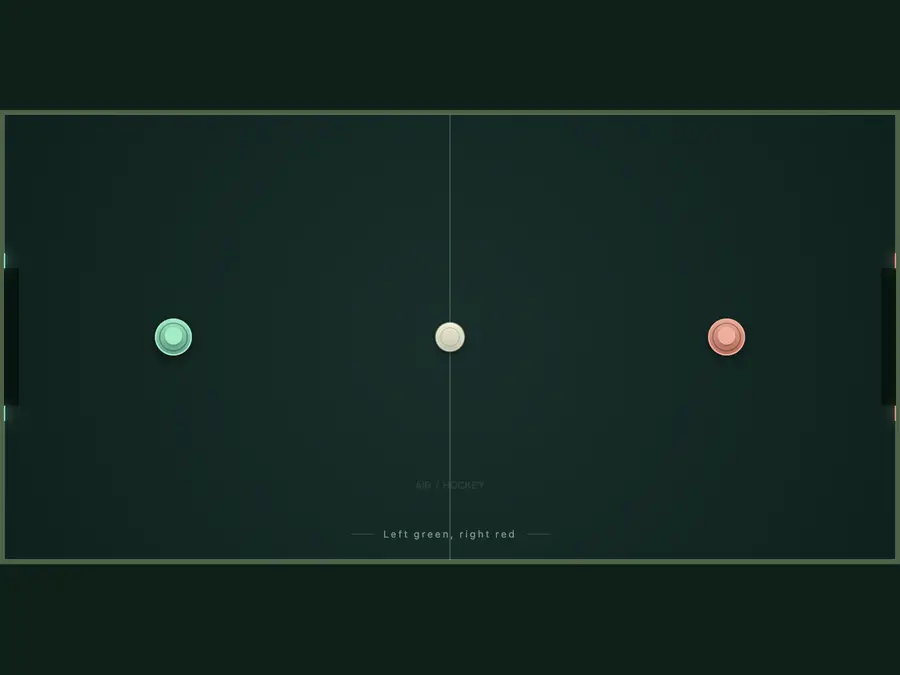
Defend your goal, score in theirs
Green defends the left goal; red defends the right. A right-side goal gives left one point, and a left-side goal gives right one, regardless of the last touch. Mallets stay on their own halves; the puck can cross the center and rebound off the rails outside the goal openings. First to the selected 5, 7 or 11 points wins, with no two-point lead. The table serves automatically; after a goal, the side that conceded gets ready to receive.
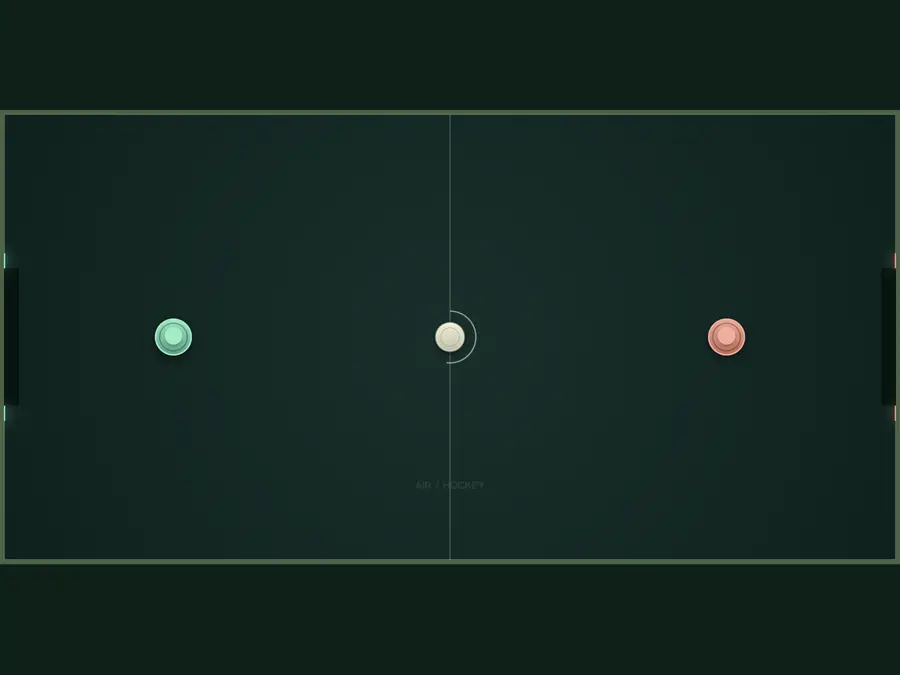
One finger each, or two sets of keys
On a phone or tablet, start a drag on the left half for green or the right half for red. Both players can move at once. The mallet follows your drag without jumping under your finger; release to stop, then start another drag if you run out of room. On a computer, WASD moves green and the arrow keys move red. Contact strikes the puck; no shoot button. Mouse movement controls the mallet on that half, so keep the cursor off the table during a keyboard match.
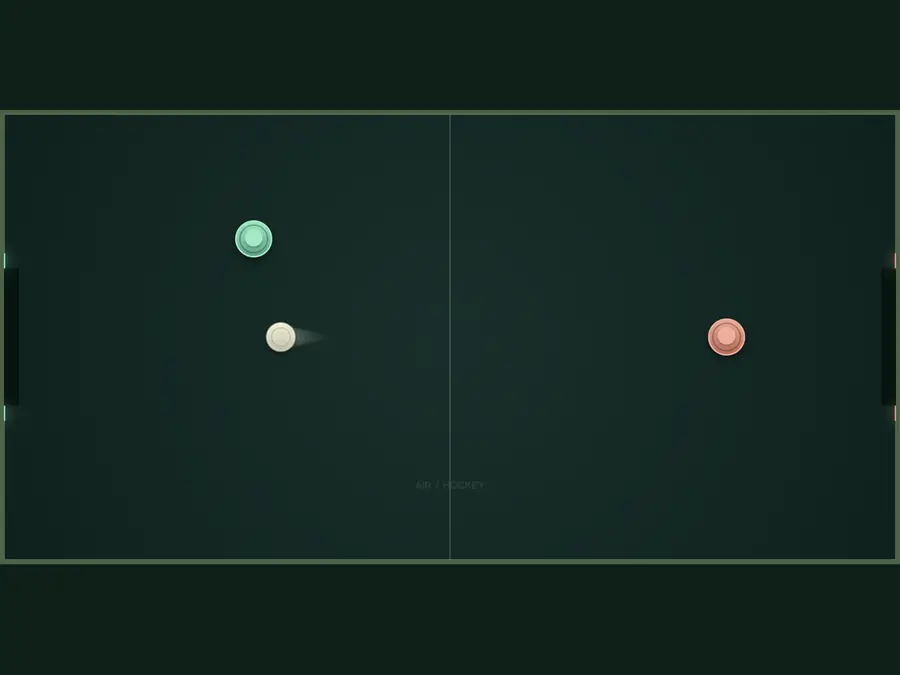
Get a rally going, then try a bank shot
Line up with the puck and meet it head-on: left moves right to strike, and right moves left. Get a few clean returns before adding speed. If a straight shot is blocked, try one bounce off the upper rail and adjust slightly after watching where the rebound goes. While your shot travels, get back in front of your goal's midpoint with room to move forward. Read more about contact angles in the homepage tips, or warm up alone against AI.
2Players
1Shared device
LiveSimultaneous play
AutoScoring and serves
Local two-player FAQ
Can two people play on the same phone at the same time?
Yes. Each player starts a drag on their own half. Your device and browser must support multitouch; if they recognize only one finger, try a tablet or use WASD and arrow keys on a computer. No online room is needed.
Why won't the right mallet move? Can one mouse control both?
Right-side touch input must start on the right half; keyboard input uses the arrow keys. A mouse controls whichever half the cursor is over, not just left. It cannot independently control both players at once. Keep the cursor off the table when playing with keys.
Can we pause a local game? What happens if we switch tabs?
Pause game or Space pauses the whole table for both players. Hiding the tab, losing window focus, or opening Settings on a phone also pauses. Select Resume game when you return; play does not restart on its own.
How do we start another game or change the point target?
After a match, select Play again. To change the target mid-match, confirm New game, then choose before starting. A reset clears the score, hits, time and goals, but keeps the point target, trail and sound settings. Copy the record first to keep the result.
Does Hits count both players?
No. Hits counts only the left green mallet, so it cannot compare both players' performance. The goal log includes either side's goals, scores and times. Game time excludes pauses.
Can we resume after a refresh? Can we add this to the Home Screen?
Refreshing or closing loses the match; a copied record cannot restore it. The site's install icon gives browser-specific instructions, labeled Install app, Add to Home Screen or Add to Dock. That shortcut does not save a match or enable offline play.