
Air hockey online
No download or sign-up. Find a public room, or invite a friend to a private one. Each person uses their own device.
Create a room
Private for a friend, public to find an opponent. Create a room, then copy its invite link.
Public rooms appear in the lobby; private rooms are unlisted. One public room per browser.
Join a room
Paste an invite link or room code. There are two playing seats; a full room has no open seat.
Host plays left green; guest plays right red. Leaving does not automatically forfeit. Back to lobby does not close the room; closing or expiry ends access.
Room lobby
Rooms you created
0Waiting
0In play
0Creating a room…
Assigning a room code.
Room created
Share the invite. Play starts when both players are seated.
You play left green. Your opponent plays right red.
Connection lost. Reconnecting…
Join a room
Invite recognised. Confirm the room code, then connect.
Entering the room…
Connecting to room . Please wait.
Connection lost. Reconnecting…
Could not connect
That room was not found. The code or link may be wrong, or the room may already be closed.
Air hockey online
Online air hockey: invite a friend, defend your side
Play on separate phones, tablets or computers. Create a private room and send its invite link, or open a public room to find an opponent. Host plays left green; guest plays right red. Free, with no download or sign-up. Sharing one screen? Choose Two-Player.
Before the first serve
Room: private for a friend, public to wait in the lobby.
Seats: host left green, guest right red.
Invite: select Copy link and send it to your opponent.
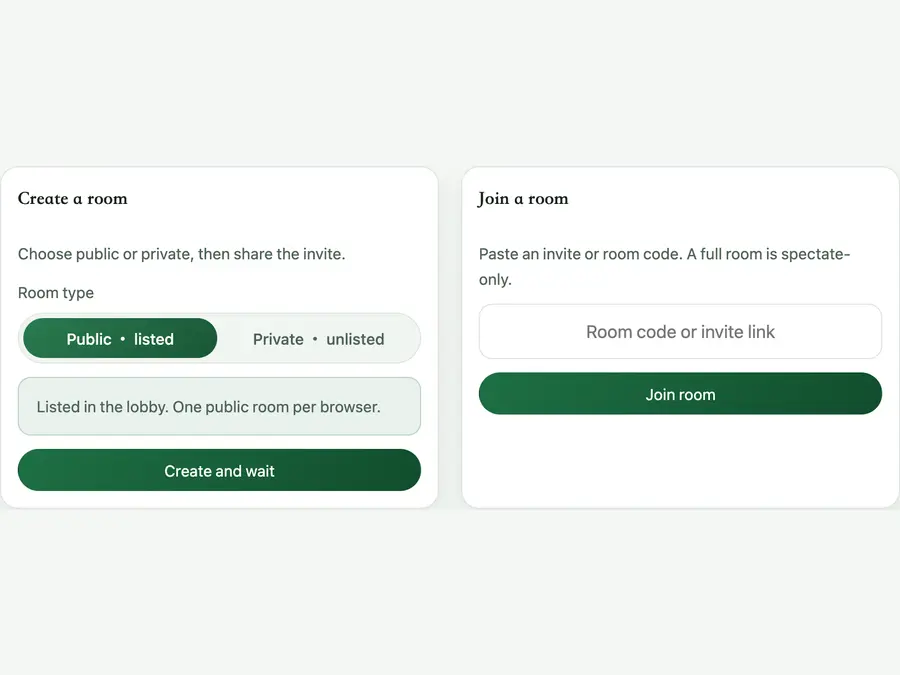
Public to find a player, private to invite a friend
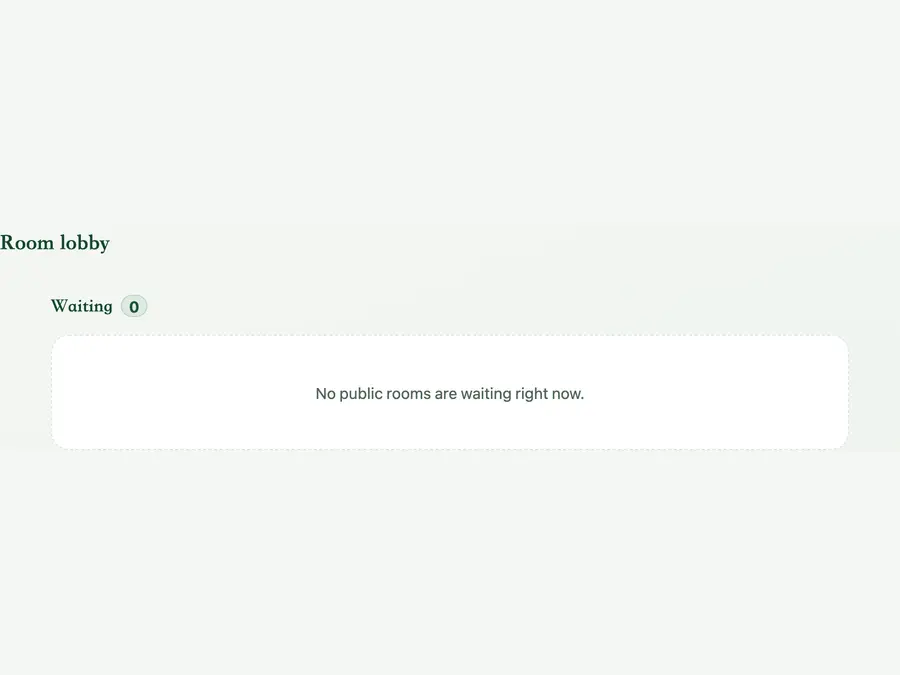
Public rooms appear in the lobby. Choose a waiting room for a playing seat; a game already in play may be full. There is no automatic matchmaking or ranked ladder. Private rooms are unlisted, but anyone with the link or code can enter, so share the invite privately. Each browser can host one public room at a time; close your old room before creating another.
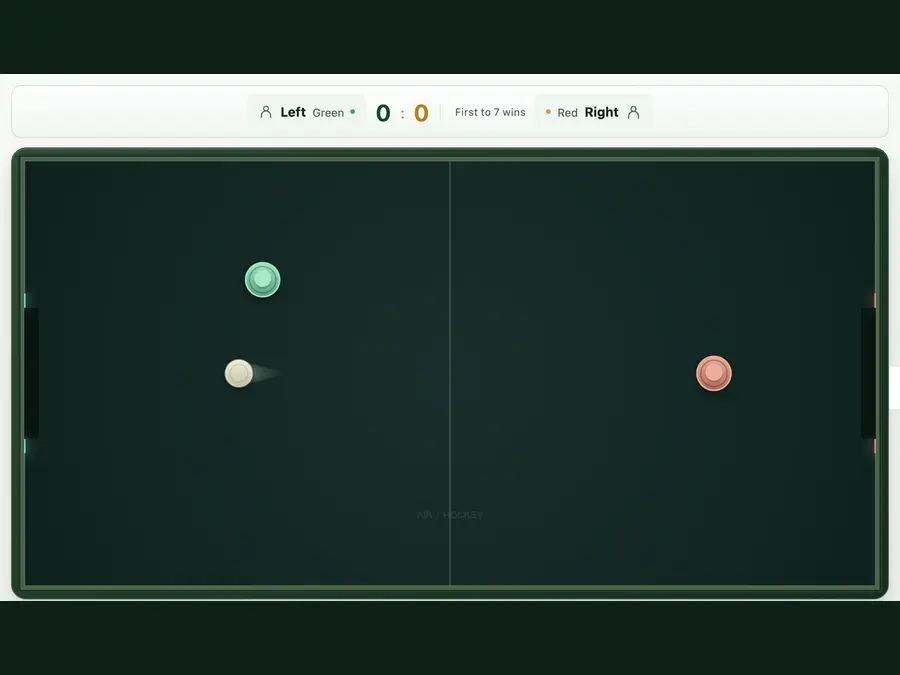
Host left, guest right: control your own mallet
Both screens show green on the left and red on the right. Play starts when both players are seated; spectators cannot take over a mallet. On touch screens, start a drag on your own half and release to stop. On a computer, move the mouse in your half, or use WASD as host and arrow keys as guest. Contact strikes the puck. See the homepage tips for return angles and defensive positioning.
Try reconnecting; close the room when you're done
Leaving does not automatically forfeit. Back to lobby disconnects this browser without closing the room. The page tries to reconnect after a lost connection; you can also reopen the room in the original browser. Rooms with both players offline are usually kept for about 20 minutes, not as a guaranteed saved match. If a room closes or expires, create another. To finish with a public room, select Close under Rooms you created; its old invite stops working.
2Human players
No accountJoin in your browser
Public / privateRoom types
~20 minOffline room retention
Online air hockey FAQ
Can one player use a phone and the other a computer?
Yes. Devices do not have to match. Each player needs a browser that supports the table and an internet connection. A phone and a computer can join the same room without accounts or a shared screen.
Why is a private room missing from the lobby?
Private rooms are unlisted. Join with the invite link or room code. They are not restricted to a named account, so share the invite only with people you want to let in.
The page says I already have a public room. How do I open another?
Check Rooms you created. Return to your existing room, or close it before creating another. Each browser can host one public room at a time; switching tabs or selecting Back to lobby does not free that slot.
I joined but cannot move a mallet. Is the room full?
A room has two playing seats. New visitors cannot replace seated players, and Watch does not give you a mallet. Choose a waiting room or ask your friend to create another. Repeated refreshing does not reserve a seat.
Can we swap sides? How does the guest control red?
Host is left and guest is right, with no side-swap option. As guest, move the mouse on the right half, start a touch there, or use arrow keys. Unlike the AI table, you do not control the left green mallet.
What should I do if the mallet stops or the connection fails?
Check your network, keep the game tab in the foreground, and confirm the invite or room code is valid. Reconnection is attempted but does not guarantee the previous game state. If it fails, return to the lobby or ask the host to create another room. Include your device and steps in a bug report; hide invites and access tokens in screenshots.
What if Copy link fails, or refreshing loses my seat?
Check clipboard permissions, or select and copy the text in the invite field. Returning to a seat requires the room to still exist and the browser to retain its credentials. Changing devices, clearing site data or closing the room can prevent a return. A room code is not a permanent match record.